Install on a Nintendo 3DS
Put the PokeDaisy homebrew app on a 3DS step by step, add your games and saves, and turn on sound.
English日本語한국어FrançaisDeutschItalianoEspañolPortuguês (Brasil)Português (Portugal)
PokeDaisy also runs on the Nintendo 3DS as a homebrew app: your game plays on the top screen and the companion lives on the touch screen, with its own game library, a save editor and trading between saves. This page takes you from a console with custom firmware to your first game.
What you need
A 3DS with custom firmware (Luma3DS) and the Homebrew Launcher. If your console doesn't have them yet, follow 3ds.hacks.guide. It's the community's guide, kept up to date for every console and system version, and it sets up everything this page needs. Come back here when you've finished it.
The SD card, and a computer that can read it (or an FTP app on the 3DS, if you'd rather not take the card out).
Your own games. PokeDaisy comes with no games. Use ROMs you dumped yourself from cartridges you own:
.gba,.gbor.gbcfiles.
Step 1: get the app
Open the PokeDaisy releases page on a computer.
Under the newest release that lists a 3DS file, download
pokedaisy.3dsx.
Step 2: copy it to the SD card
Turn the 3DS off and put its SD card in your computer.
Open the
3dsfolder at the top of the card. Your custom firmware setup made it; if it isn't there, make it.Copy
pokedaisy.3dsxinto it, so the card hassdmc:/3ds/pokedaisy.3dsx.
sdmc:/ is how the 3DS names the top of the SD card: on your computer, sdmc:/3ds/ is just the 3ds folder on the card.
Step 3: add your games and saves
At the top of the card, make a folder called
pokedaisy, and inside it a folder calledroms:sdmc:/pokedaisy/roms/. (PokeDaisy makes both the first time it starts, if you'd rather start it once first.)Copy your games into
roms. Put them right in the folder, not in folders of their own, and unzip them first: PokeDaisy on the 3DS reads loose.gba,.gband.gbcfiles only.Bringing a save from another emulator? Put it in
romsnext to its game with the same name and.savat the end:Pokemon Emerald.gbareadsPokemon Emerald.sav. A RetroArch save ends in.srm: rename it to.sav. Keep a copy of the save on your computer too, just in case.
With no save, the game starts fresh and PokeDaisy makes its .sav in the same folder the first time you save in the game.
Step 4: turn on sound
3DS homebrew can only play sound once the console's sound firmware has been copied to the SD card, a one time step:
Turn the 3DS on (SD card back in) and hold L, then press Down on the D-pad and SELECT to open the Rosalina menu.
Pick Miscellaneous options, then Dump DSP firmware.
Press B until the menu closes.
That writes sdmc:/3ds/dspfirm.cdc. Without it the games run silent. If you've done this before for another app, there's nothing to do.
Step 5: start PokeDaisy
Open the Homebrew Launcher. On a console set up with 3ds.hacks.guide, it opens from the Download Play app.
Pick PokeDaisy in the list.
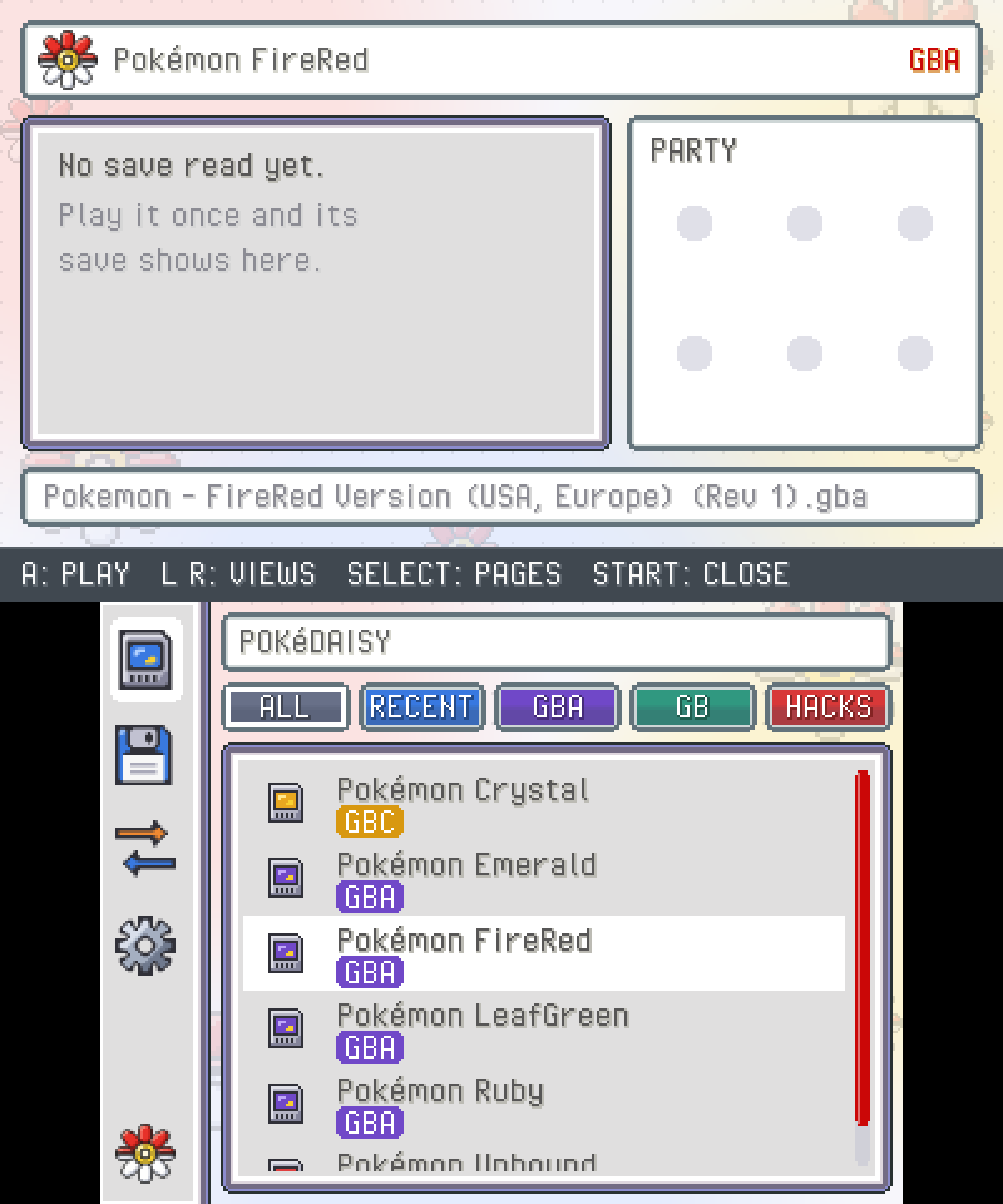
The library opens: the touch screen lists your games and the top screen shows the one under the cursor, with your player, play time and party once you've played it. Move with the D-pad or tap a game, then press A to play.
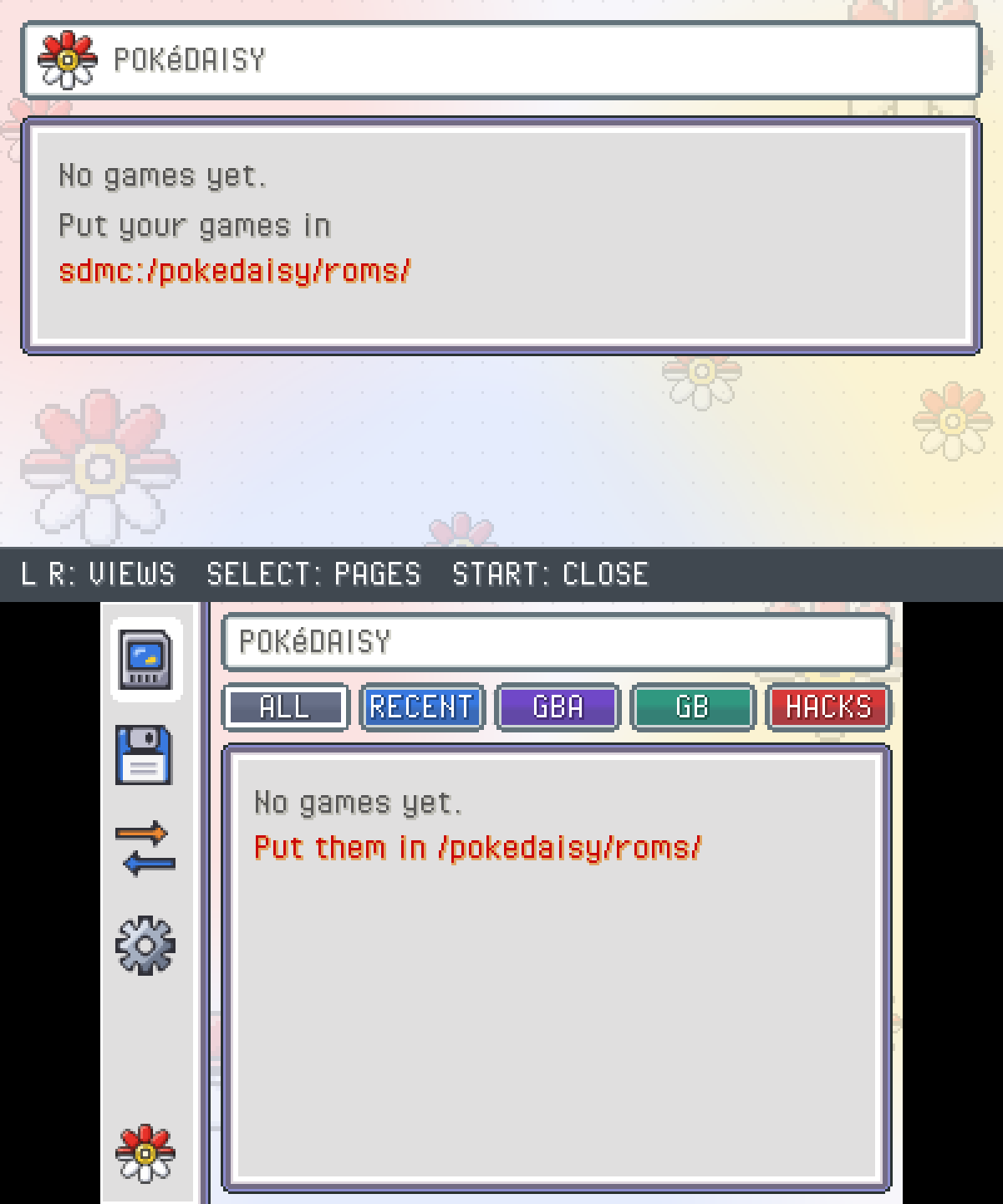
If the library says No games yet, check that your games are right in sdmc:/pokedaisy/roms/ and end in .gba, .gb or .gbc.
Find your way around
| Button | What it does |
|---|---|
| A | Play the game under the cursor |
| L / R | Switch the library's views: ALL, RECENT, GBA, GB, HACKS |
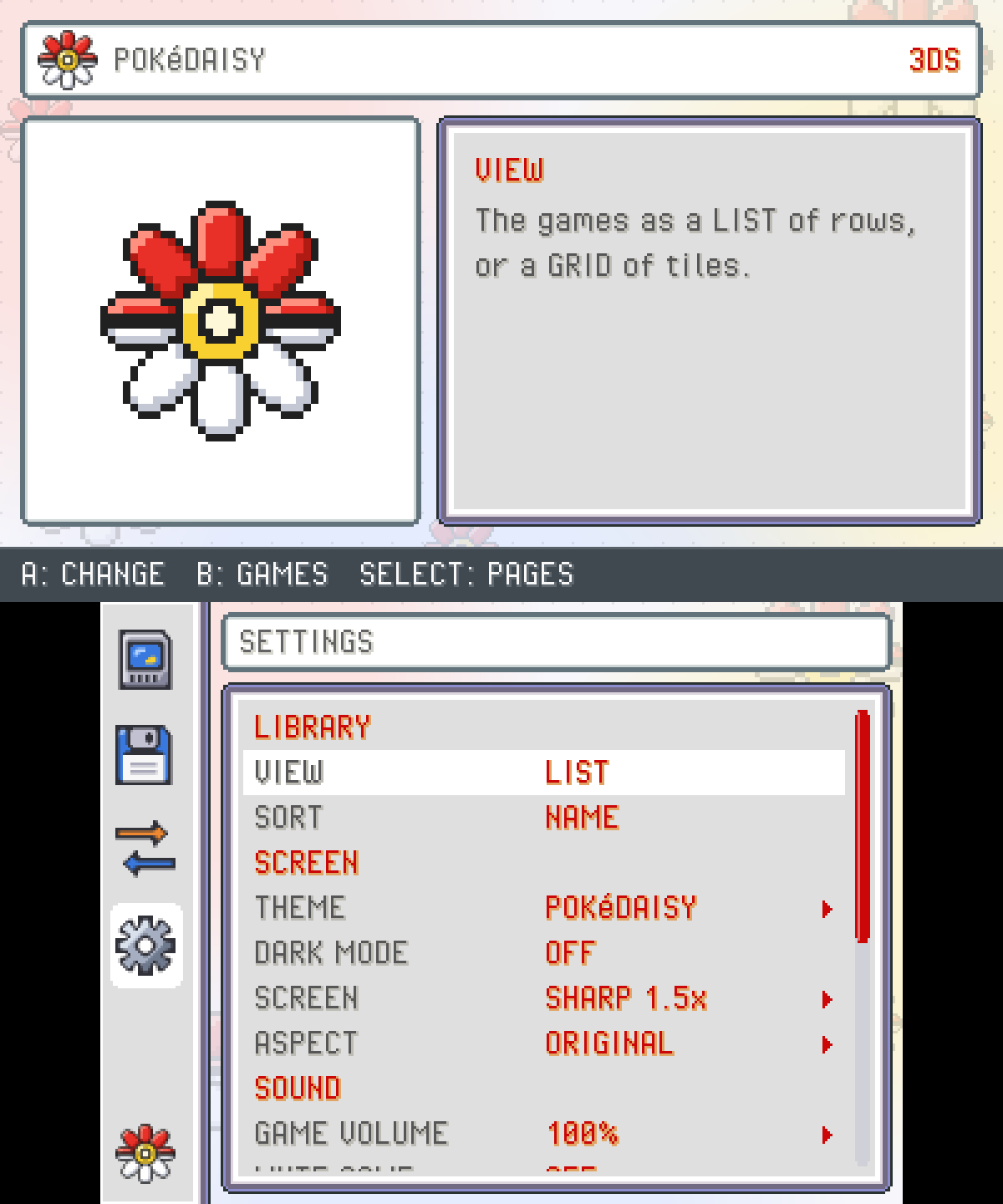
| SELECT | The next page: games, SAVE EDITOR, TRADE SAVES, SETTINGS |
| START | Close PokeDaisy and go back to the Homebrew Launcher |
In a game, the GBA's buttons are the 3DS's own (the circle pad works as the D-pad) and the touch screen is the companion. A few more:
| Button | What it does |
|---|---|
| Y | The quick menu: PC, FLY, your bike, save states, fast-forward and more |
| X | On the field, hand the buttons to the companion (X again gives them back to the game) |
| ZR | Fast-forward while held (New 3DS) |
| ZL | The companion's previous tab (New 3DS) |
To leave a game, use CLOSE GAME at the bottom of the companion's SETTINGS. The HOME button and closing the lid work too.
Which games work
Any Game Boy, Game Boy Color or Game Boy Advance game plays. The companion reads the games PokeDaisy knows on Android: FireRed, LeafGreen, Ruby, Sapphire and Emerald, Red, Blue, Yellow, Gold, Silver and Crystal, and many ROM hacks (Supported games has the list). DS games don't run on the 3DS version.
Where things are on the SD card
| Path | What's there |
|---|---|
sdmc:/3ds/pokedaisy.3dsx | The app |
sdmc:/3ds/dspfirm.cdc | The sound firmware (step 4) |
sdmc:/pokedaisy/roms/ | Your games, and each game's .sav next to it |
sdmc:/pokedaisy/roms/pokedaisy-backups/ | A copy of each save before every start, the newest 10 per game |
sdmc:/pokedaisy/states/ | Save states |
sdmc:/pokedaisy/cheats/ | Cheats, one file per game |
sdmc:/pokedaisy/settings.ini | Your settings |
sdmc:/pokedaisy/log.txt | What the last run did: attach it when you report a bug |
Updating
Download the newer pokedaisy.3dsx and copy it over the old one in sdmc:/3ds/. Your games, saves, states and settings all live in sdmc:/pokedaisy/ and stay as they are.
If something's wrong
No sound:
sdmc:/3ds/dspfirm.cdcis missing. Do step 4.PokeDaisy isn't in the Homebrew Launcher: the file must be in
sdmc:/3ds/and end in.3dsx.A game isn't listed: it has to be right in
sdmc:/pokedaisy/roms/, not in a folder inside it and not zipped.My save didn't load: the save needs the game's exact name with
.savat the end. Every start copies the save tosdmc:/pokedaisy/roms/pokedaisy-backups/first, so an older copy is there if you need it.It runs slowly: an original 3DS or 2DS is slower than the New models. In the library's
SETTINGS, setSCREENtoPIXEL 1x, the lightest mode. On a GBA game you can also pressXin the library and try anotherGBA CORE:GPSPis an experimental one meant for the original 3DS.
Still stuck? Tell us and attach sdmc:/pokedaisy/log.txt.
Something wrong or missing here? Edit this page on GitHub or tell us.