Welcome to PokeDaisy
What PokeDaisy is, what each screen shows, what you need to get going and where to read on.
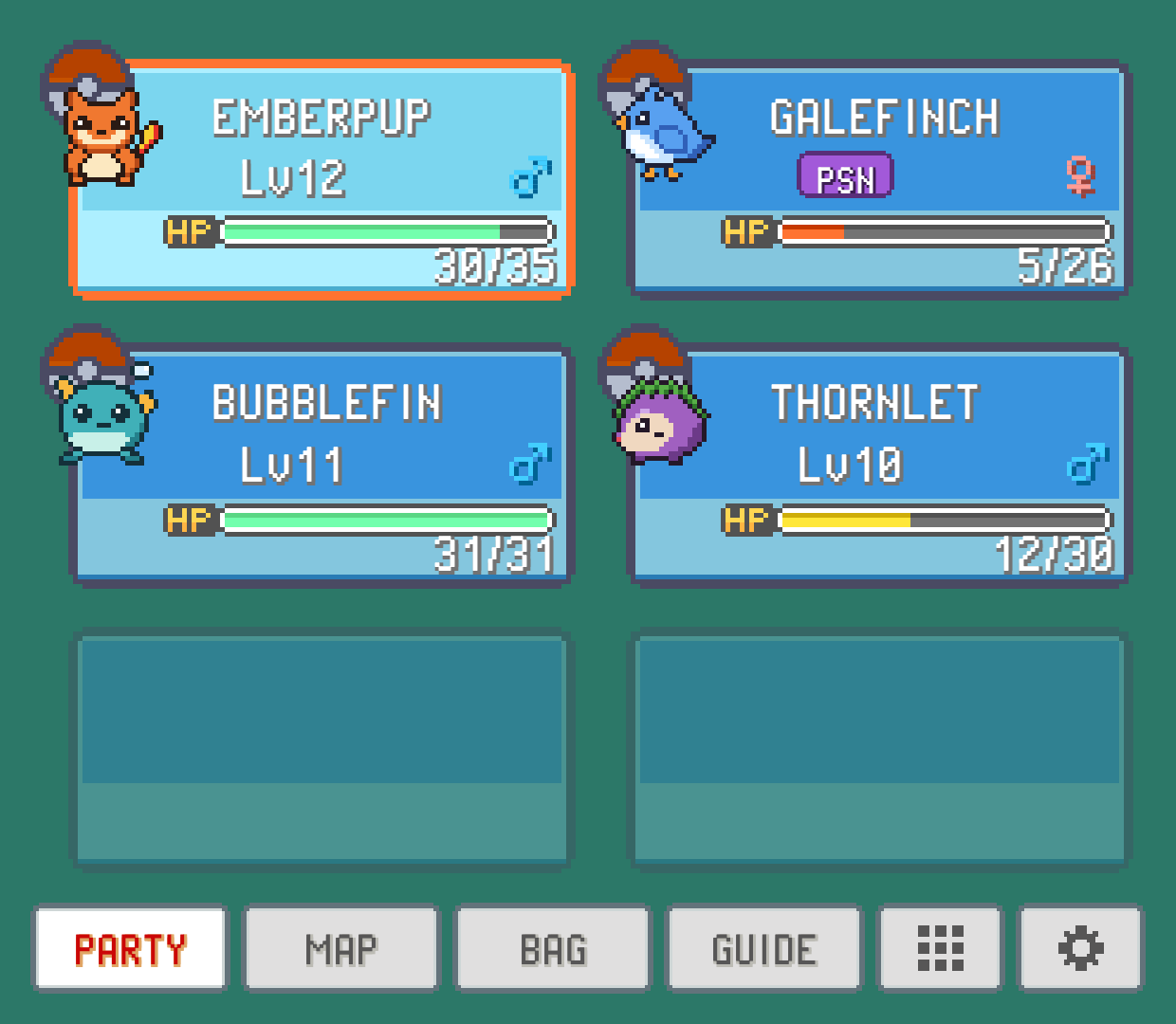
PokeDaisy is a Game Boy, Game Boy Color, Game Boy Advance and Nintendo DS player for Android, made for Pokémon games. Beside your game runs a live companion that reads it while you play: your party, your bag, the map you're on, how the current battle is going, your Pokédex and a guide that hints before it tells. On a dual-screen handheld like the AYN Thor, the companion gets the bottom screen to itself. On a handheld with one screen it opens as a window over the game or a panel beside it, and on a phone held upright it sits under it.
You never have to pause and open a menu to check a Pokémon's moves or look up what an attack does against a type. One glance, and it's there, drawn in the game's own menu style.
What you need
An Android device running Android 8.0 or newer. A handheld with two screens or one, or a phone.
Your own games. PokeDaisy comes with no games at all. Use ROMs you dumped yourself from cartridges you own:
.gbafiles (Game Boy and Game Boy Color.gb/.gbcand DS.ndswork too), loose or inside a.zipor.7z.A supported game for the companion. Any Game Boy, Game Boy Color, GBA or DS game plays, but the companion only reads the games it knows: FireRed, LeafGreen, Emerald, Ruby, Sapphire, Red to Crystal on the Game Boy, Platinum, HeartGold and SoulSilver on the DS, and a long list of ROM hacks. Supported games has the full list and the exact versions.
Ready? Install and first setup walks you through the first five minutes.
Which devices
PokeDaisy was built on the AYN Thor, and the companion is laid out for its bottom screen. The Retroid Pocket Duo Lite gets its own layout for its squarer bottom screen. Other dual-screen devices should work, and SWAP SCREENS handles one whose main display is the bottom screen.
With one screen, the companion opens as a window over the game (or a panel beside it), or, on a phone held upright, a strip docked under it. The HUD keeps your party, a minimap and your bag on the game screen while you walk, and the quick menu puts your PC, FLY, your bike, your rod and save states one button away. Screens and devices covers all of it.
A quick tour
On the bottom screen (the companion):
PARTY: your team with HP, levels and status. Tap a Pokémon for its full summary: stats, moves, IVs and EVs, and which moves it could learn next.
BAG: every pocket of your bag with icons and descriptions, plus which of your Pokémon can use a TM.
BATTLE: opens by itself when a battle starts. Your moves rated against the foe, the foe's weaknesses, the best Pokémon to send in, and touch buttons to fight or switch.
MAP: the game's region map with you on it. Tap a place to name it, or pick one from a list.
DEX: your Pokédex, with how each Pokémon evolves, where it's found and what it learns.
GUIDE: what's in the area you're in, the next gym leader's team and hints for when you're stuck.
CARD: your trainer card, front and back, as the game draws it.
ACHIEVEMENTS: RetroAchievements, if you sign in.
The companion explains the tab bar, SETTINGS and how to pick which tabs show.
On the top screen (the player):
Fast-forward and game speed: speed through grinding, with a smart mode that slows down in menus and music that keeps its pitch.
Saves, backups and save states: ten save-state slots, automatic save backups and rewind.
Controls: remap buttons, set hotkeys, use a controller or the touch controls.
Screen, aspect and shaders: EXPAND to see more of the map, LCD and CRT looks, a status bar, overlays.
Cheats: GameShark, Action Replay and CodeBreaker codes.
Around the app:
Your game library: your games, covers, favorites and each game's menu.
Settings reference: every setting on both screens, in one place.
Troubleshooting: what to try when something doesn't work.
Reading this manual in the app
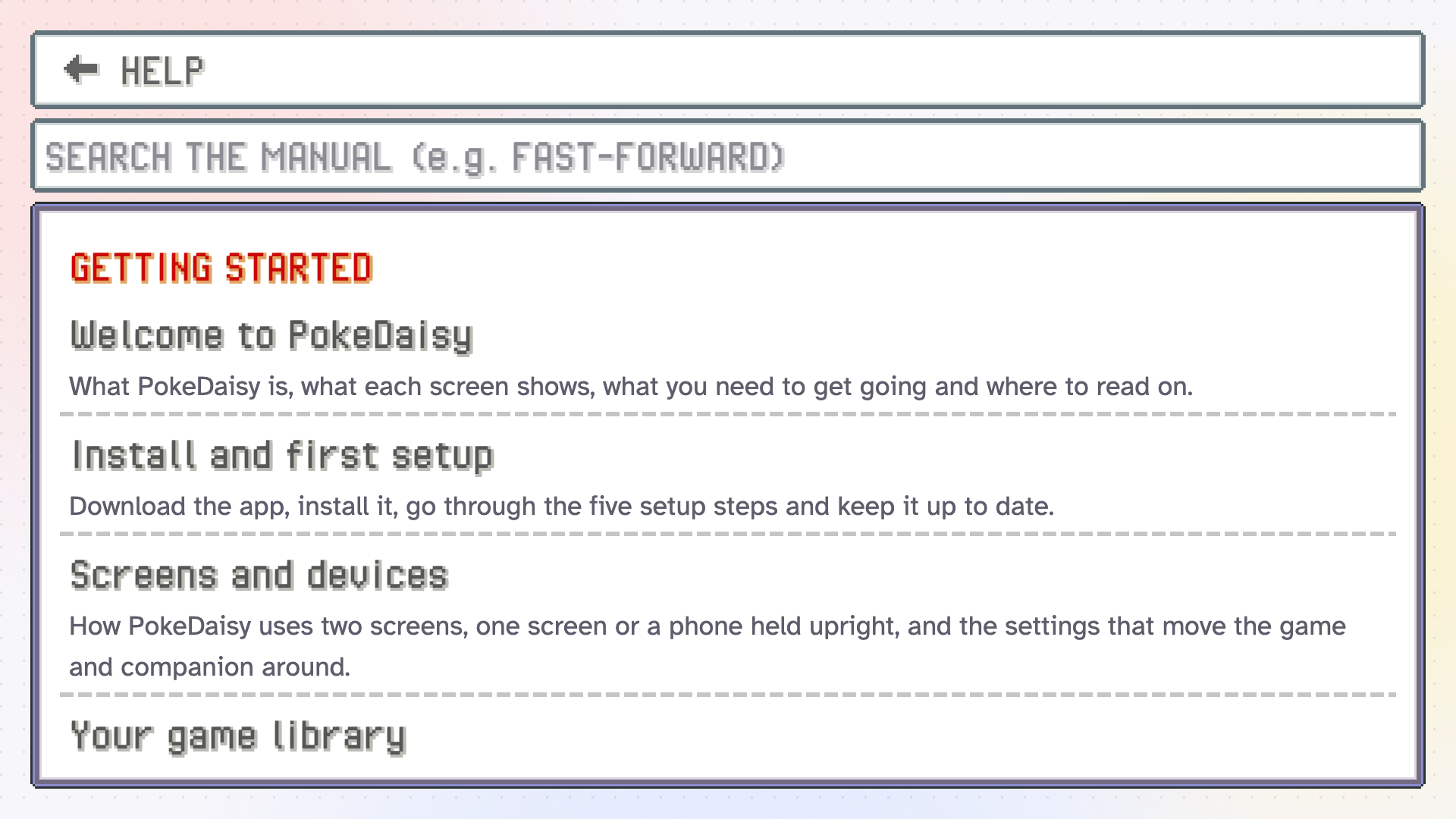
This manual is built into PokeDaisy, so you can look something up without leaving your game. There are three ways in:
On the top screen, tap the
?button in the library's header.On the top screen, open Settings (the gear in the library's header) and pick
HELP, in theAPPgroup.On the bottom screen, open the companion's
SETTINGSand pickHELP, at the very end of the list, in theAPPgroup.
The top screen's copy has a search box: type what you're after ("fast-forward", "backup", "rebind") and the matching pages and sections show up. Each page links to the previous and next one at its end.
The app downloads the manual from the PokeDaisy website and keeps a copy, so after that it works offline. It needs the internet once: if the first open can't reach the website, it says so. Connect, then tap RETRY.
Something wrong or missing here? Edit this page on GitHub or tell us.